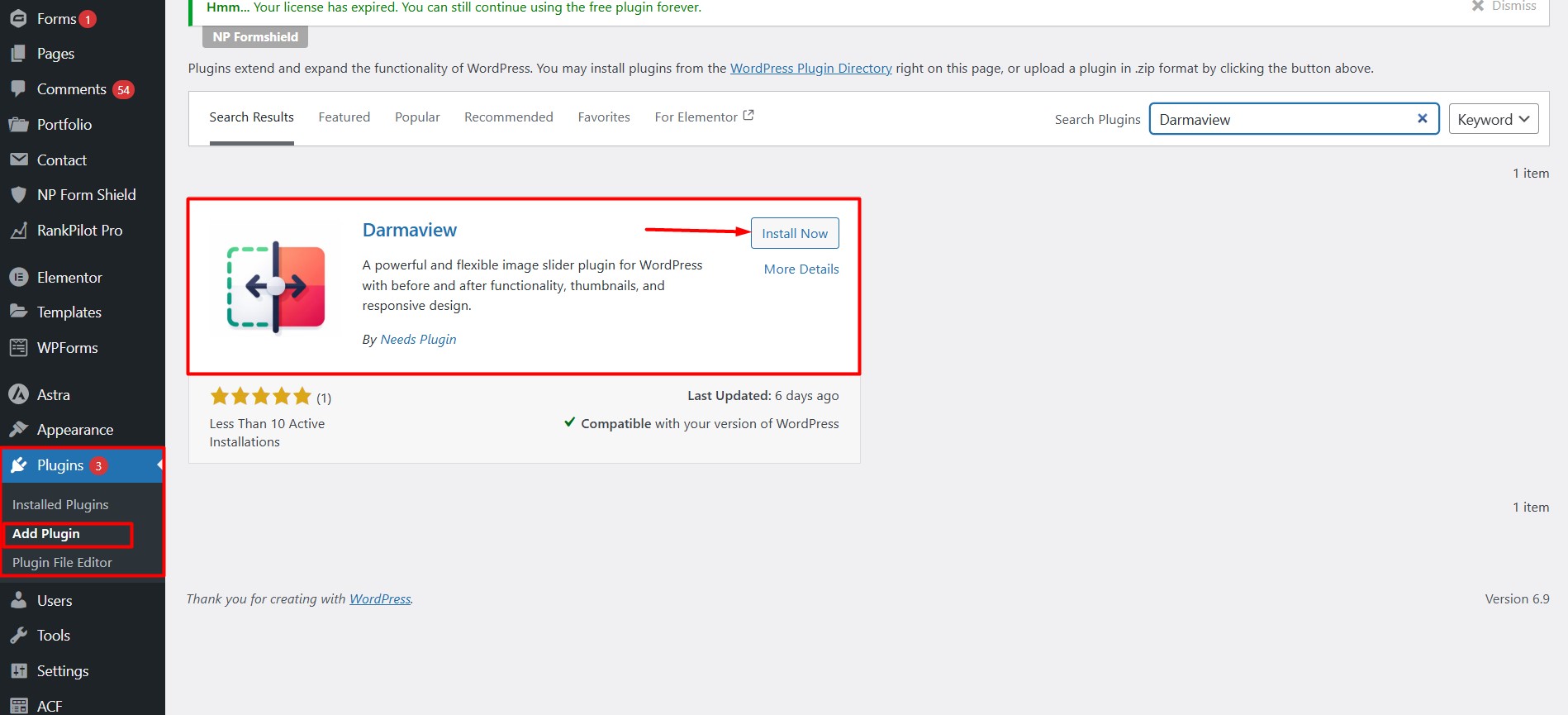
DarmaView is a lightweight WordPress slider plugin with thumbnail navigation, captions and full arrow customization — free, forever. Go Pro for auto slide and a genuine before-and-after comparison view.


Last Update
7 months ago
Version
1.0.2
Compatibility
WordPress 5.0+
Active Users
1000+
DarmaView’s free version is a genuinely usable responsive slider plugin: add as many images as you like, drag to reorder them, and drop the slider into any page or post with a simple shortcode.
Visitors browse with clean navigation arrows or swipe naturally on mobile and tablet. A WordPress image slider with thumbnail navigation is built in too, so visitors can jump straight to the image they want.
Every slide can carry its own caption, and you can fully customize your arrows — icon style, color, background color, size, and position — all without touching a line of code.
Want auto-play, before & after comparison, or advanced caption styling? That’s what Pro adds — the free version stays a complete slider on its own.
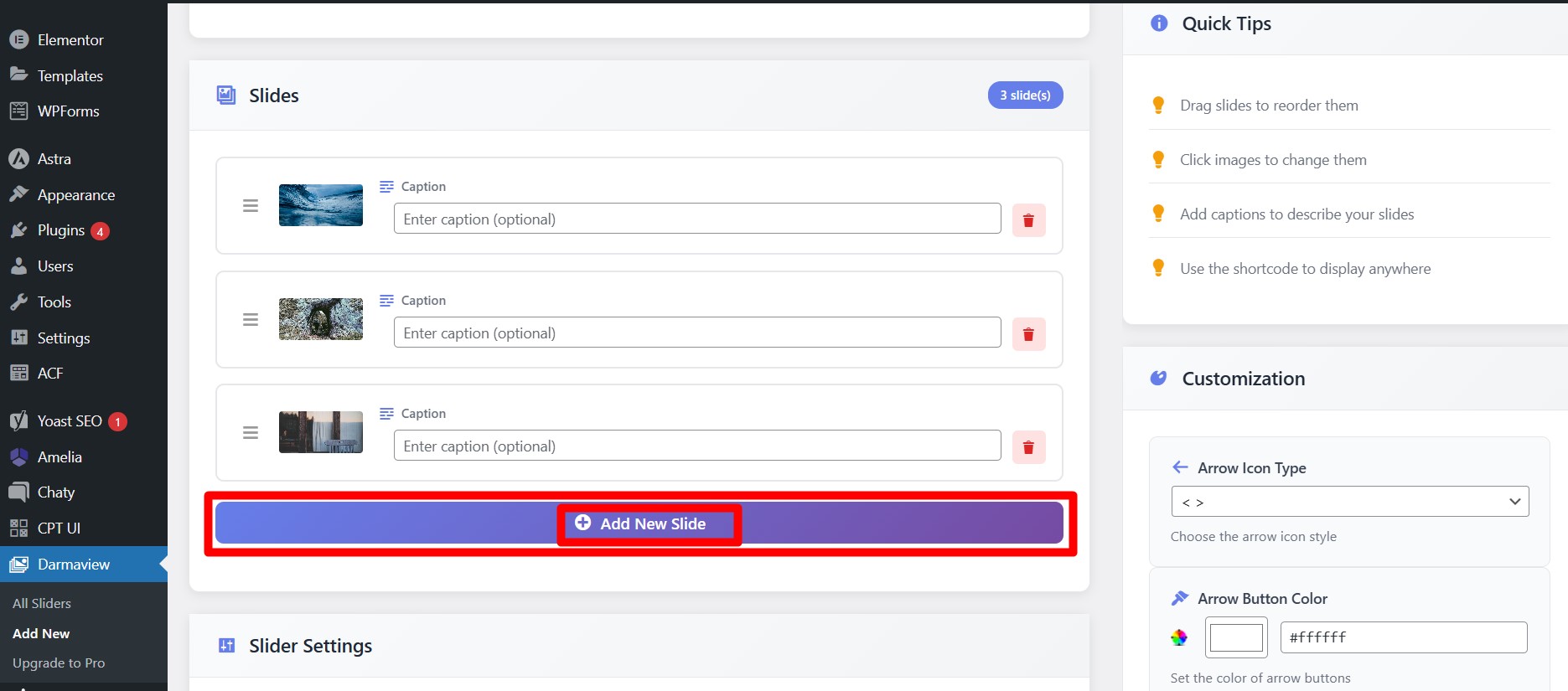
Add as many images as you need to a slider and reorder them by dragging — no code, no confusion.
A row of thumbnails lets visitors jump straight to the exact image they want to see.
Sliders respond naturally to swipe gestures on mobile and tablet — no extra setup needed.
Add a caption to every slide to give visitors context for what they're looking at.
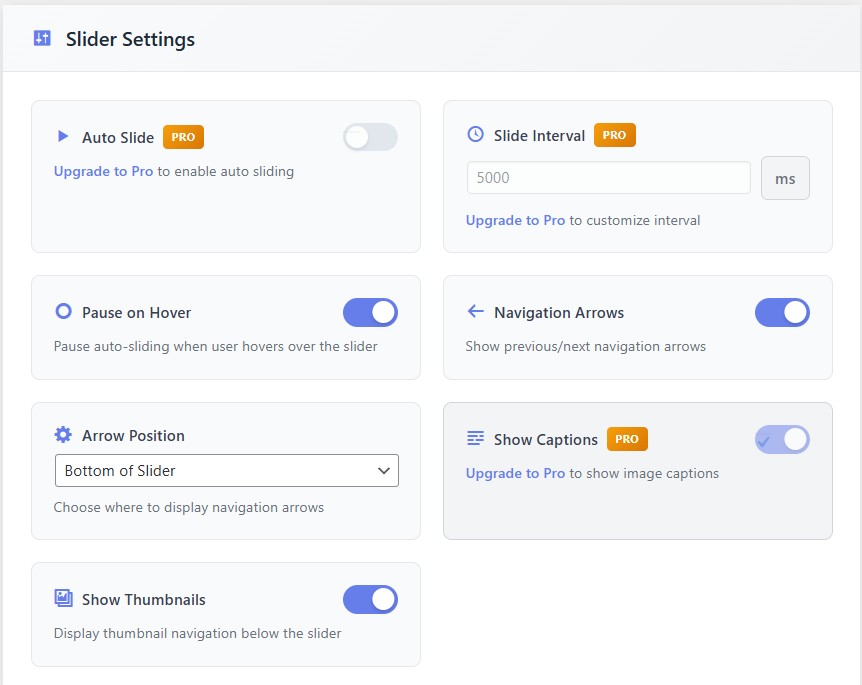
Choose your arrow icon, color, background color, button size, and position — all from a simple settings panel.
Place more than one DarmaView slider on the same page or post, each with its own shortcode.
Sliders adapt cleanly to desktop, tablet, and mobile screens out of the box.
Drop your slider into any page, post, or widget area with a single shortcode.
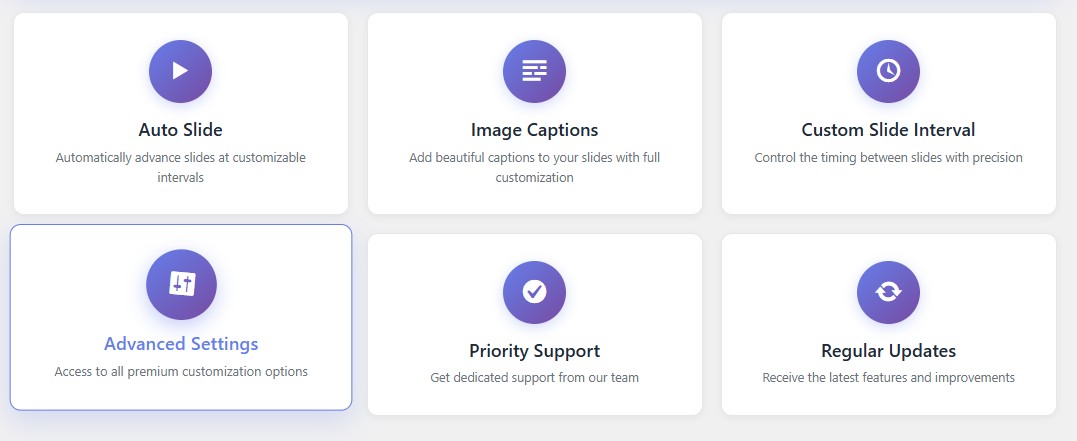
Unlock auto slide, before & after comparison, and advanced caption styling with flexible licensing for 1, 10, or unlimited sites.
A dedicated drag-to-reveal comparison view — built for anyone whose work speaks through transformation.
A real estate before-after slider for renovation flips and staging comparisons.
A medspa before-after photo slider to present treatment results with care.
A dental before-after slider for WordPress that showcases smile transformations clearly.
A renovation before-after image slider that proves project quality at a glance.
A flexible WordPress slider plugin for galleries, portfolios, and client-facing pages alike.
A product gallery slider plugin for WordPress that highlights different angles or variants.
A portfolio image slider for WordPress that puts creative work front and center.
A testimonial slider plugin for WordPress that displays client reviews in a swipeable format.
Organize large sets of images into responsive sliders for blogs, events, or company pages.
Visually explain how your service works step-by-step using images and captions.
Visually explain how your service works step-by-step using images and captions.
A quick walkthrough of slider setup, arrow customization, and the before/after comparison view.
Select the perfect license for your needs. All plans include full Pro features.
1 Site License
Billed annually
Perfect for a single website
10 Site License
Billed annually
Ideal for freelancers and small agencies
100 Sites License
One-time payment
Built for agencies and enterprise teams
1 Site License
One-time payment
Perfect for personal projects and single websites
10 Site License
One-time payment
Ideal for freelancers and small agencies
100 Sites License
One-time payment
Built for agencies and enterprise teams
Everything here matches what’s listed above — no surprises after you install.
Module
Free
Pro
Core Slider
Multiple images per slider
Drag & drop slide reorder
Navigation arrows
Touch & swipe support
Thumbnail navigation
Arrow color, icon & position customization
Caption on each slide
Multiple sliders on one page
Shortcode placement
Pro-Only
Caption show/hide control
Advanced caption styling
Auto slide with custom interval
Before & after image comparison
Priority support
Everything site owners usually ask before installing DarmaView.
Yes. DarmaView is a genuinely free image slider plugin for WordPress — not a limited trial. You get drag-and-drop image sliders, thumbnail navigation, captions, and full arrow customization at no cost, forever. Pro is optional, for teams that want auto slide or before-and-after comparison.
Yes — DarmaView includes built-in arrow customization in the free version. You can change the arrow icon style, arrow color, background color, button size, and position directly from the settings panel, no code required.
Definitely. Many site owners use DarmaView as a service showcase slider on WordPress — walking visitors through a process, step-by-step, using captioned images. It works just as well for portfolios, testimonials, and product galleries.